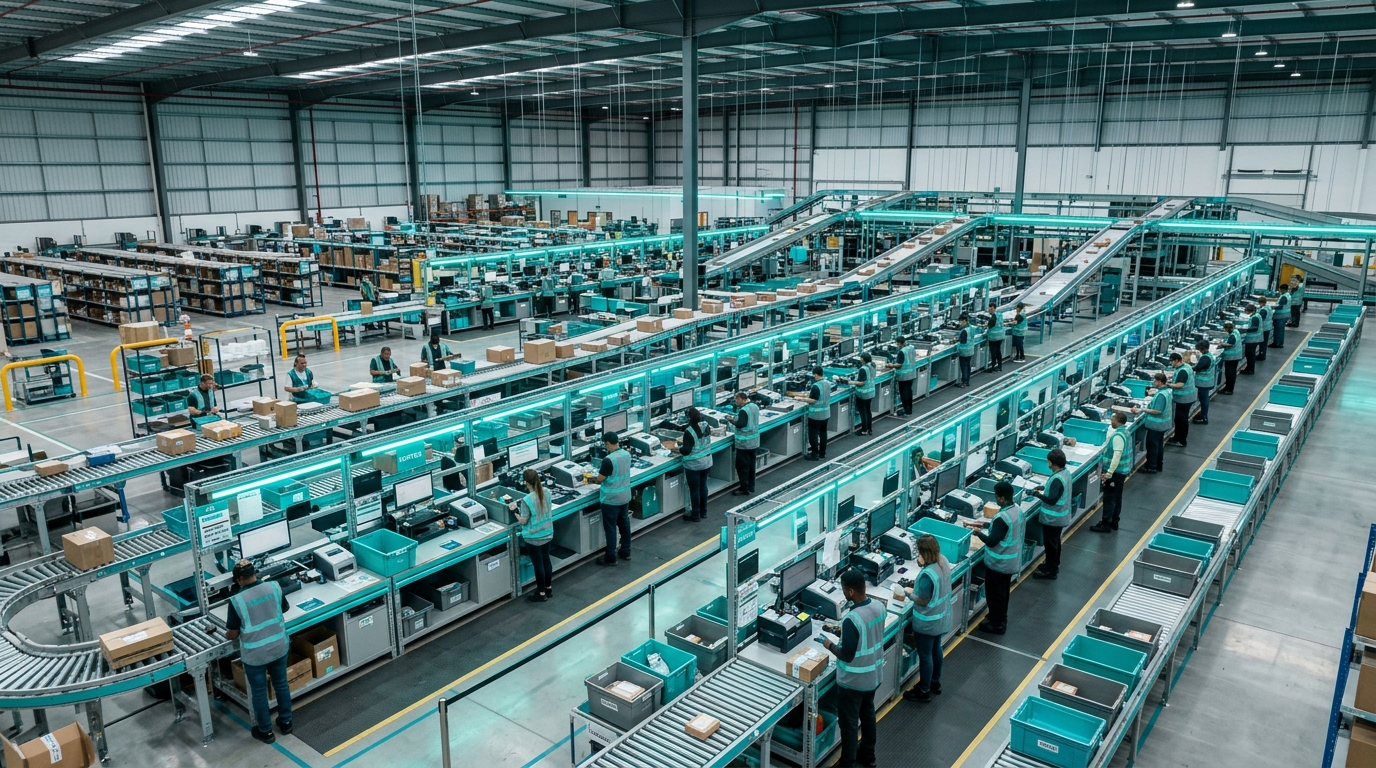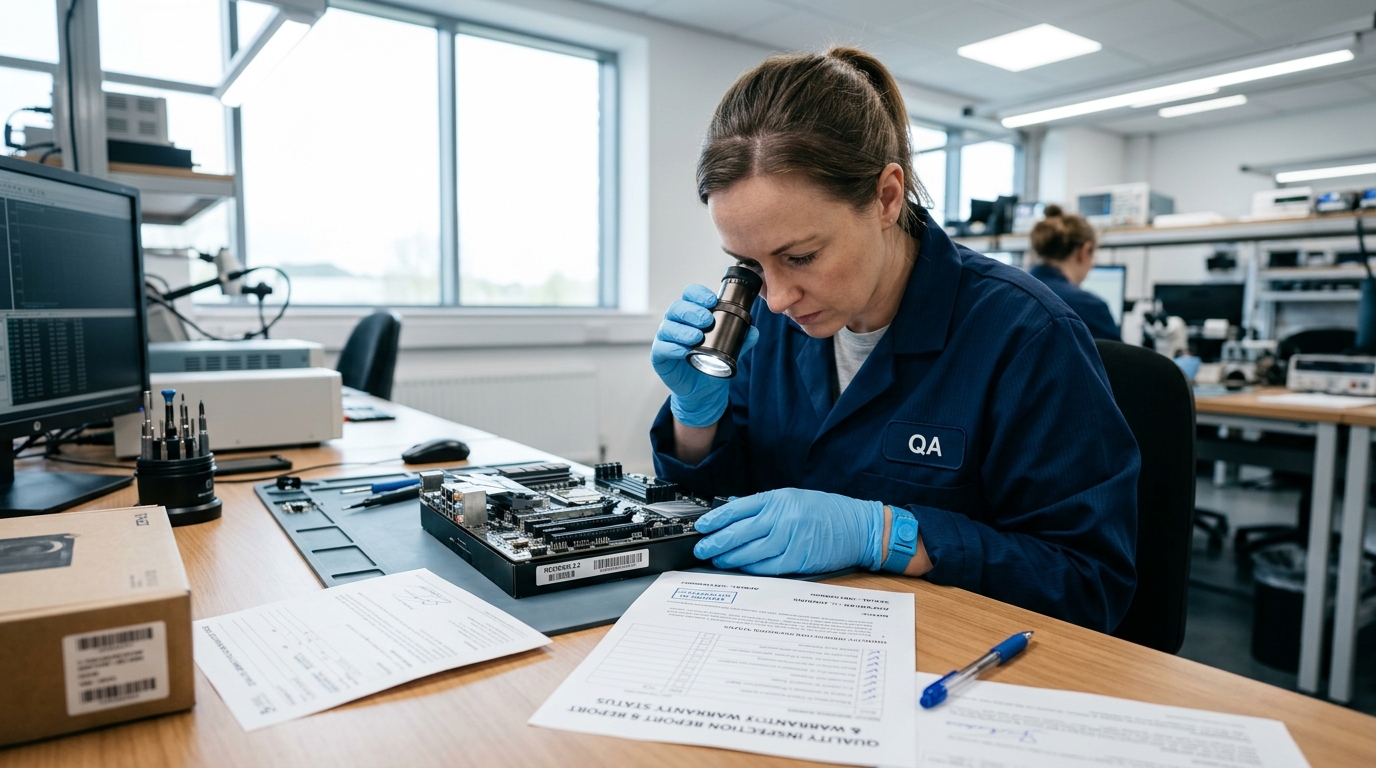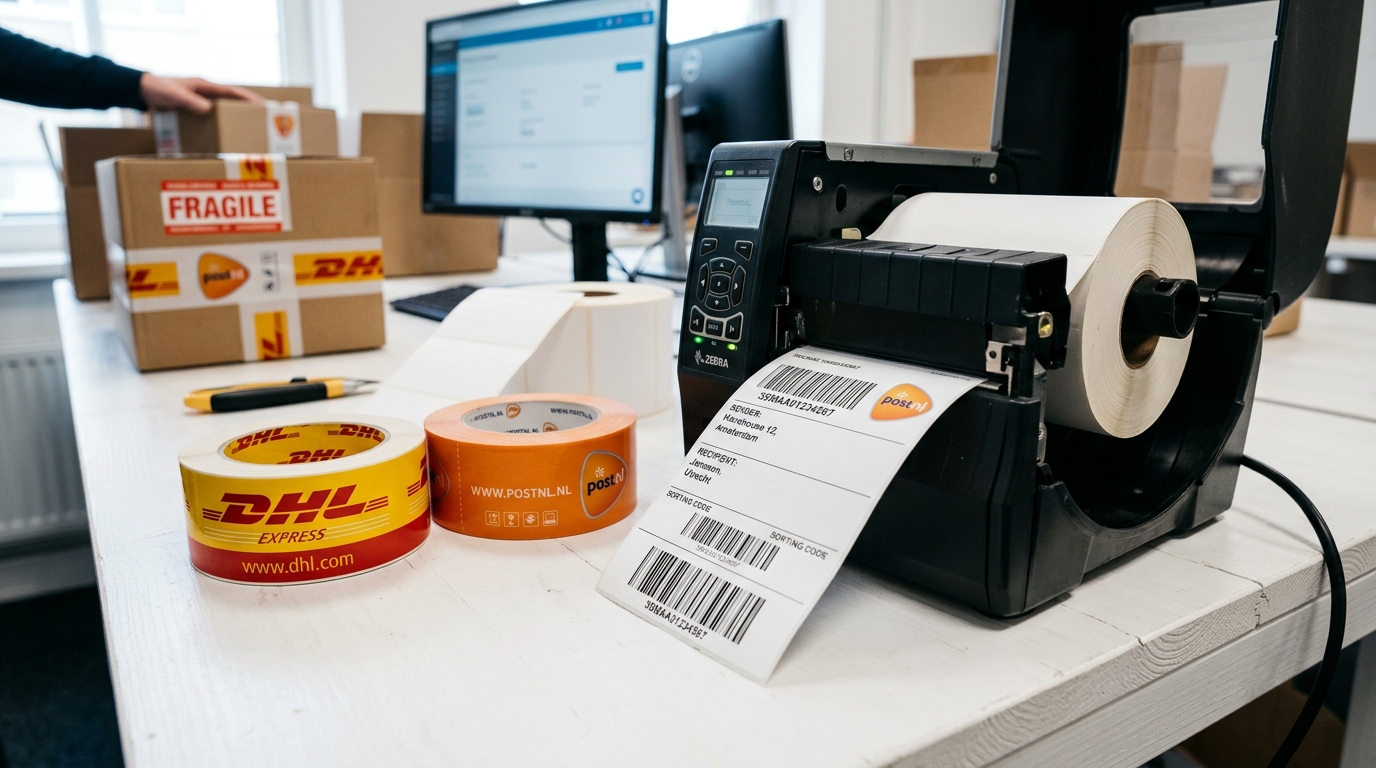
Shipping as part of your after-sales workflow
In returns and repairs, shipping is a crucial component. A product needs to go from the consumer to the retailer, from the retailer to the supplier, repaired back, or replaced. Every shipment costs money, takes time, and can go wrong. Yet many businesses still manage their shipments in separate systems, disconnected from case management.
The result: double work entering addresses, manually copying tracking numbers, and missed status updates leading to unnecessary customer inquiries. "Where is my package?" is the most frequently asked question in any after-sales department.
One integration, dozens of carriers
OneHup integrates via nShift — Europe largest multi-carrier platform — with all major carriers. DHL, PostNL, UPS, DPD, GLS, FedEx and dozens of other carriers are available through a single connection. You don not need to manage separate contracts or API integrations.
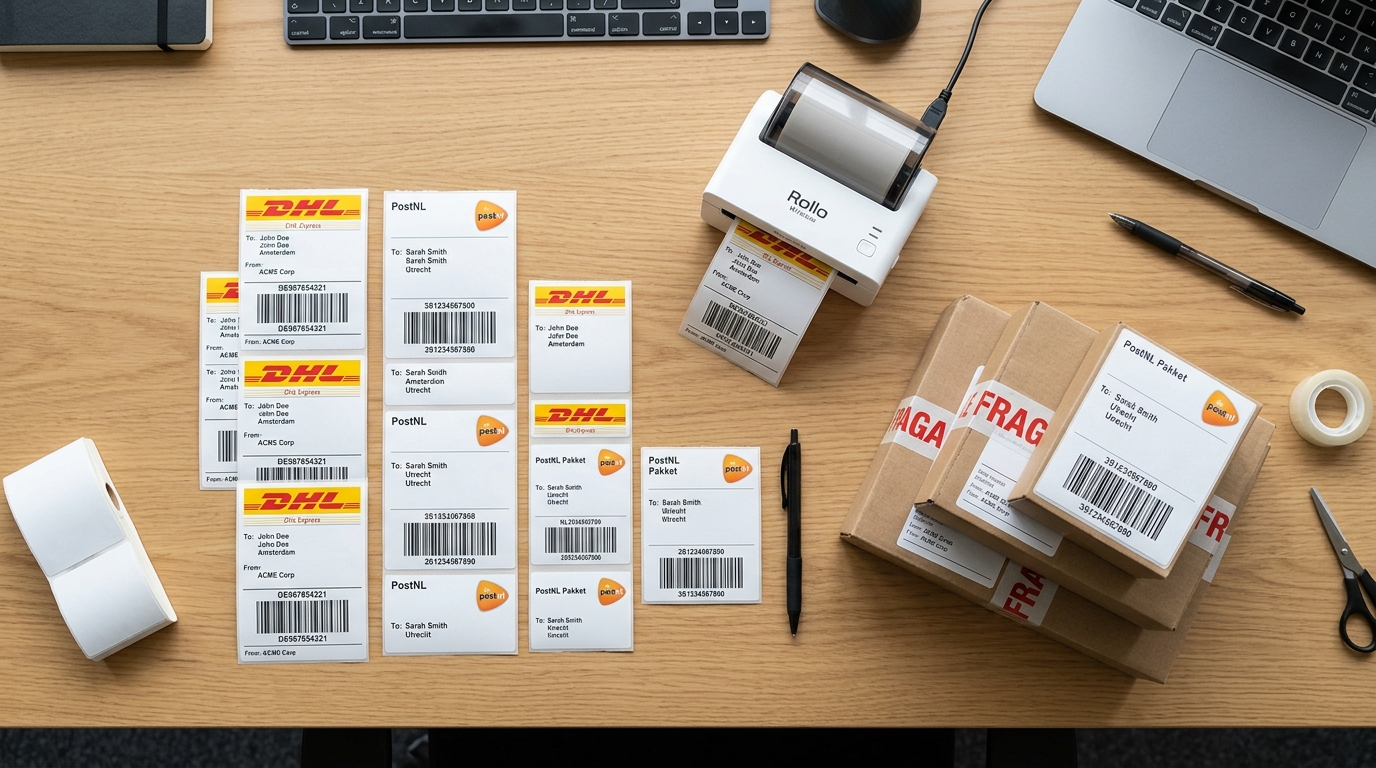
Generate labels from the case
The beauty of an integrated system is its simplicity. You open a case in OneHup, click "Create shipment", select the carrier and shipment type, and the label is generated immediately. The address is automatically copied from the case. No retyping, no errors.
Return labels work just as easily. Generate a return label and send it to the consumer by email, or print it and include it with the outgoing shipment. The consumer sticks the label on the box, drops it off at a pickup point, and the tracking information flows back to OneHup automatically.
Real-time tracking in the case
As soon as a shipment is booked, the tracking information appears directly in the case. Carrier status updates are automatically retrieved and displayed. You see exactly where each package is, without having to manually look up tracking numbers in external systems.
Per partner custom carrier settings
In a multi-party environment, each organization has its own shipping arrangements. The retailer might use DHL with a business contract, while the supplier prefers PostNL. In OneHup, each partner can set up their own carrier credentials. This way, the correct rates and contracts are automatically applied, regardless of who creates the shipment.
Shipping costs as part of the financial overview
Every shipment booked through OneHup is automatically linked to the case as a cost item. This gives you a complete overview of the total costs per return or repair — including shipping costs. This makes financial reporting more accurate and prevents disputes afterwards.
Conclusion
Integrated shipping management is not a nice-to-have, but an essential part of an efficient after-sales process. By integrating shipping into your case management, you save time, reduce errors and give all parties direct insight into the status of every shipment.